
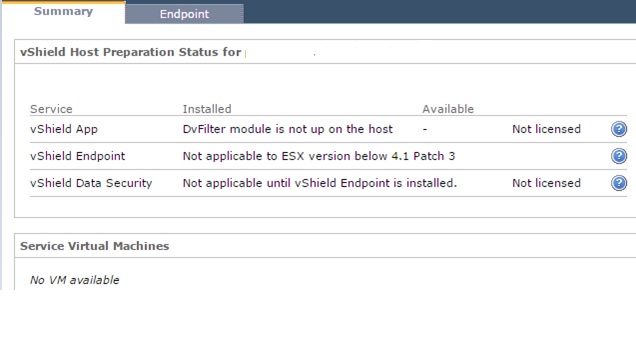
In few cases vShield have failed to sync with host and it will show the wrong server version on the vSheild status.We have ESX 5.1 running on host but in vSheild it was showing as 4.1 ..
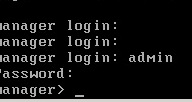
To solve this issue Login to the vShield console login : Admin : Password : Default.
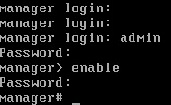
Type Enable so that it will prompt to login as root and give the same password.
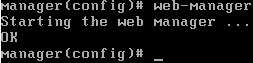
Type Config t and then type no web-Manager , it will stop the Web Manager service.
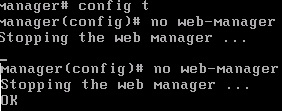
Type Web-Manager so it will start the Web Manager again.
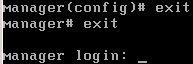
Exit from the console.
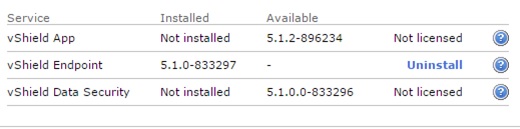
Now it updated the correct status of the hosts..

 Techbrainblog