
To configure SSO on the vShield Manager:
- Log into your vShield Manager, then click Settings & Reports> Configuration.
- Click Editfor the Lookup Service and reconfigure SSO.
- Click OK, then click Yesin the Security warning pop-up.
- Wait for the configuration to complete.
SSO has now been successfully reconfigured on vShield Manager.
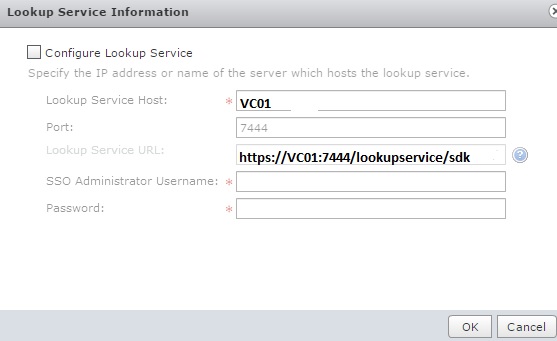
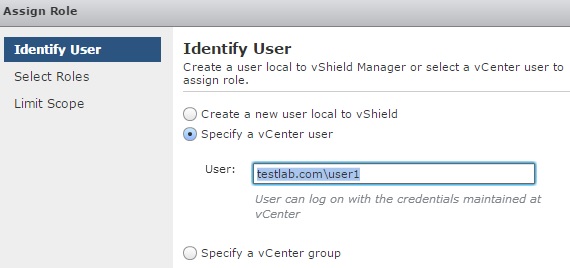
Once added the lookup service then we have to add the AD users with fully qualified windows domain .

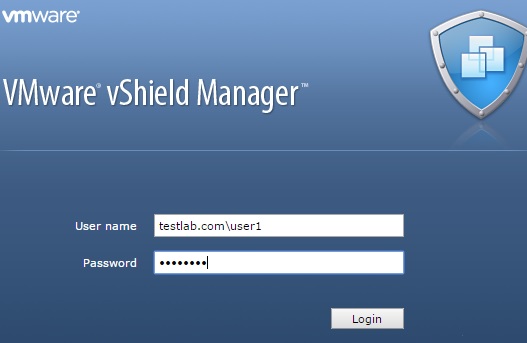
Also while login in to the vSheild Manager use the fully qualified windows domain name.

 Techbrainblog