
Download the tool called mRemoteNG in which you can take multiple ESX hosts SSH session on one window and also we can save the ESX details for future use.
http://www.mremoteng.org/download
Pls check terms and conditions on the link to use this tool on PRD.
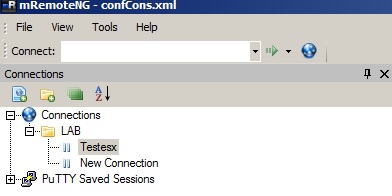
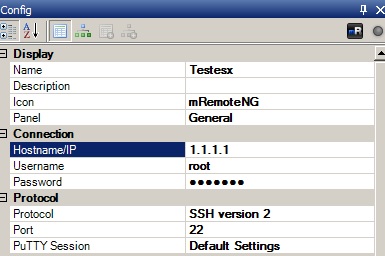

For example if we want to configure the NFS Datastore on multiple ESX hosts then copy and run the Esxcfg-nas command on all the ESX host sessions. Esxcfg-nas –a –o Storage Filer IP or Name –s /vol/Volume Name Datastorename.Like this we can configure the vSwitch or other settings very easily on multiple ESX hosts which saves time and manual work.

 Techbrainblog
can we save the hosts info or have to give each time while login ..
LikeLike